Traffic control technology is changing how road construction crews manage vehicle movement, monitor work zones, and communicate during daily operations. Equipment such as automated flagger assistance devices, connected traffic signs, and digital management systems can make certain tasks easier.
However, introducing new equipment also brings challenges. Workers may be unfamiliar with certain controls, overlook important alerts, or struggle to understand how new devices fit into existing procedures. Proper traffic control technology training helps crews prepare for these changes and reduces the chance of operating mistakes. Here are some practical steps contractors can follow to prepare their teams before using new technology in the field.
Key steps to train crews on new traffic control technology
Assess your crew’s existing skills and training needs
Before introducing new equipment, supervisors should understand what their workers already know. Some crew members may have experience operating automated devices, while others may be unfamiliar with digital traffic control tools.
Start by reviewing each worker’s responsibilities, previous equipment experience, and relevant qualifications. For example, a flagger learning to operate an automated device will have different training needs than a dispatcher using traffic management software.
Supervisors can use a simple skills checklist to identify knowledge gaps and determine which workers need basic instruction or additional practice.
Explain how new technology works
Once training needs are identified, explain the purpose, functions, and limitations of the equipment. Workers should understand what each device does, how its controls operate, and what information it provides during traffic control operations.
For example, when introducing a smart traffic control system, explain how connected devices communicate information and how operators should interpret alerts or status updates.
Demonstrations should also cover equipment limitations. Workers need to understand that digital monitoring and automated features support established traffic control procedures rather than replace human judgment or required safety checks.
Provide hands-on training with traffic control equipment
Hands-on training should focus on the equipment crews will use and the tasks they will perform in the field. Depending on the technology being introduced, practical activities may include:
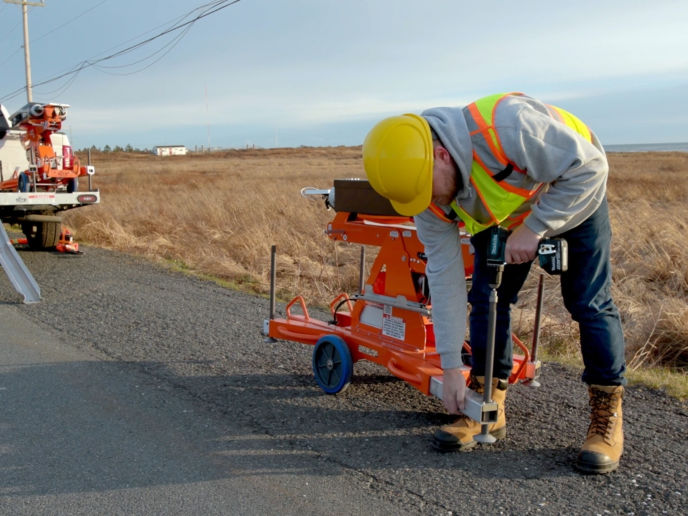
- Automated flagger assistance devices (AFADs): Crews learning to use Guardian SmartFlagger can practice equipment setup, tablet controls, live camera monitoring, and traffic signal operation.
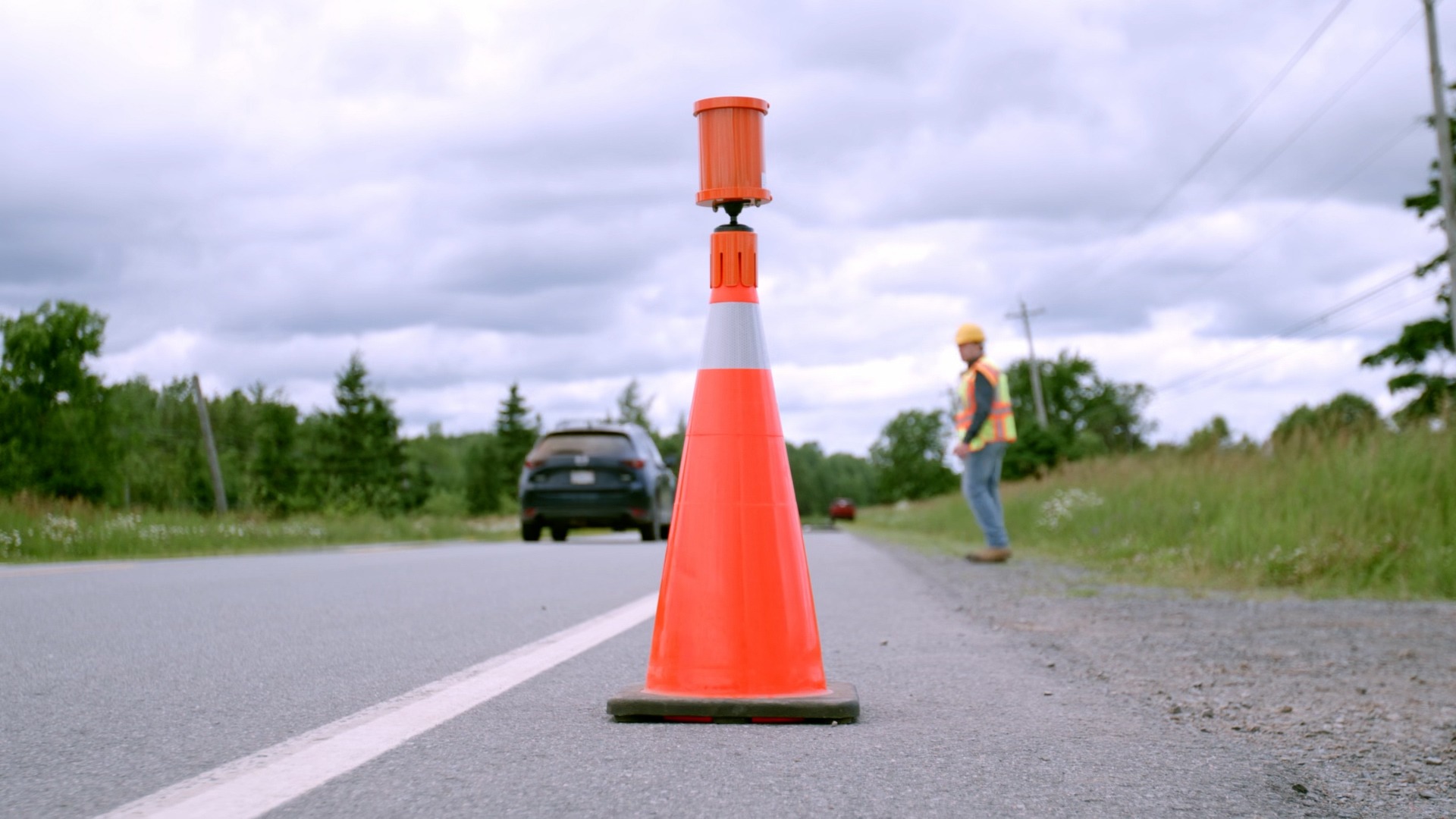
- Smart traffic signs and vehicle detection systems: Workers can learn how GPS tracking, sign movement alerts, and digital records work with Guardian Smart Sign. Training on Guardian Cone Pro can cover equipment positioning, approaching vehicle alerts, and testing the alerts received through wearable devices.
- Digital traffic control management software: Teams using ROADS traffic control software can practice reviewing assignments, confirming schedules, tracking equipment, and submitting work hours.
Practice real-world work zone scenarios
Once workers understand the equipment, training should move toward situations they may encounter during actual traffic control operations.
Supervisors can organize simulated exercises involving temporary lane closures, changing traffic volumes, or vehicles entering a closed lane. These exercises allow workers to practice communicating with other crew members and making decisions based on available information.
For example, when using a smart work zone system, crews can practice responding to a vehicle detection alert while coordinating with the person responsible for traffic movement.
Exercises should take place under supervision, with feedback provided after each scenario. This helps workers understand how to apply their training when conditions change.
Teach crews how to handle equipment problems and emergencies
Smart traffic control products can experience battery issues, communication interruptions, damaged components, or other technical problems. Workers should know how to recognize these issues and follow the appropriate response procedures.
Training should cover how to identify warning indicators, report malfunctions, and carry out basic troubleshooting according to manufacturer instructions.
Crews should also understand the approved contingency procedures for situations where equipment cannot operate safely. For example, a communication failure involving an automated flagging device may require stopping the affected operation until an approved alternative traffic control arrangement is in place.
Clear emergency responsibilities help workers respond without confusion or unnecessary delays.
Evaluate crew readiness before field deployment
Before workers begin using new technology on an active project, supervisors should assess whether they can perform their assigned tasks correctly.
A practical assessment may involve observing equipment setup, checking whether workers follow operating procedures, and asking them to demonstrate important functions without step-by-step assistance.
Supervisors should also confirm that workers hold any qualifications required by the relevant transportation agency or project specifications.
Documenting completed training and assessment results helps contractors maintain accurate records and identify employees who need additional instruction.
Provide ongoing training and refresher sessions
Training should continue as crews gain experience with new equipment. Software updates, additional device features, and changes in operating procedures may require workers to learn new tasks.
Supervisors can schedule refresher sessions when equipment is updated, workers return to unfamiliar duties, or performance reviews reveal recurring difficulties.
Crew feedback can also help identify instructions that need clarification. Regular training keeps workers familiar with their responsibilities and helps maintain consistent equipment operation across different projects.
Get the right training and support for your crew
When choosing a traffic control technology company, contractors should also consider the training and support available for their crews. Access to product guidance and technical assistance can help workers become familiar with new equipment and address questions during implementation.
At Site 20/20, we provide product training through our deployment team, along with ongoing support. For Guardian SmartFlagger, our team can adapt training to your company’s procedures and project requirements. Book a demo to see how our equipment works and discuss the training options available for your crew.
Frequently asked questions
How long does it take to train crews on new traffic control technology?
Training time varies with the equipment, worker experience, and job duties. Crews should complete demonstrations, supervised practice, and competency checks before deployment.
Who is responsible for training workers on new traffic control equipment?
Employers and contractors typically arrange training and verify required qualifications. Manufacturers may support the process with operating instructions, demonstrations, and technical guidance.
Why is training important when adopting traffic control technology?
Training helps workers understand equipment controls, recognize limitations, and coordinate their responsibilities. It also reduces confusion when crews begin using unfamiliar technology.
What are the challenges of adopting new traffic control technology?
Common challenges include different skill levels, limited practice time, unfamiliar software, and changing procedures. Gradual implementation and worker feedback can help address them.
How often should traffic control crews receive refresher training?
Provide refresher training when equipment changes, procedures are updated, or workers need additional support. Follow any training intervals required by applicable authorities.